
26 Free Vinyl Record Cover
Templates for Canva
Designing your vinyl cover is the most personal part of the process. These templates give you a professional starting point in Canva — no design experience needed, no Canva Pro required. Every template is 100% customizable — fonts, colors, texts, and layout are all yours to change. Choose your style, drop in your photos, and your cover is ready to send.
How to use our free Canva vinyl record templates
Three steps from template to finished cover — no design experience required.
Choose your style
Browse the 26 designs below organized by occasion. Click any template to open it directly in Canva — free, no PRO account required.
Personalize in Canva — drag, drop, done
Replace the placeholder photo by dragging yours into the frame. Edit the text — album title, date, names. Each template already has the right dimensions and safe zones built in. Works on your phone too.
Download and turn it into a real vinyl record
Save your design as a high-quality JPG or PNG and upload it directly to your CCS Vintage custom vinyl order. Henry reviews every file before production.
Every template is set to 3675×3675px at 300dpi — the exact resolution we need for a flawless print. Safe zones are already marked so nothing important gets cut.
Wedding vinyl record cover templates
From dark and cinematic to clean and classic — covers designed for a day worth pressing on vinyl.
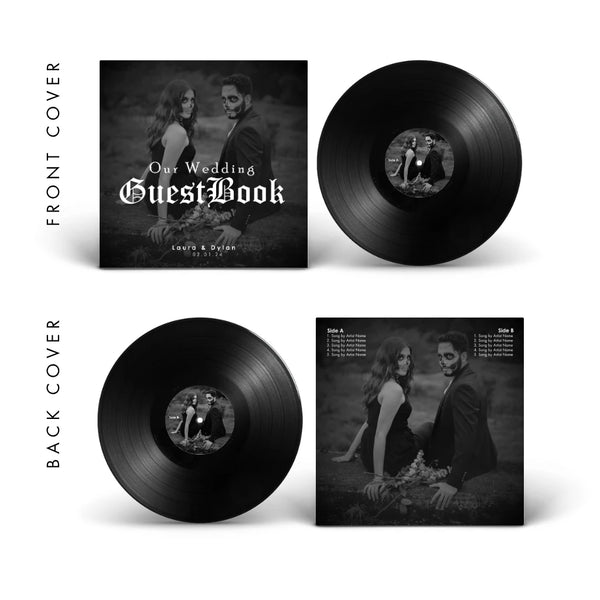
Gothic 1
For the couple that wants something cinematic and timeless — dark, dramatic, unforgettable.
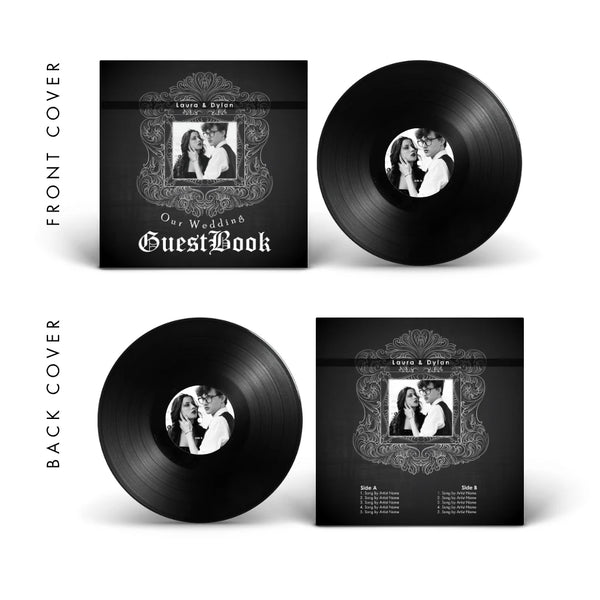
Gothic 2
Black with vintage ornamental framing — dark elegance for a wedding that doesn't follow the script.
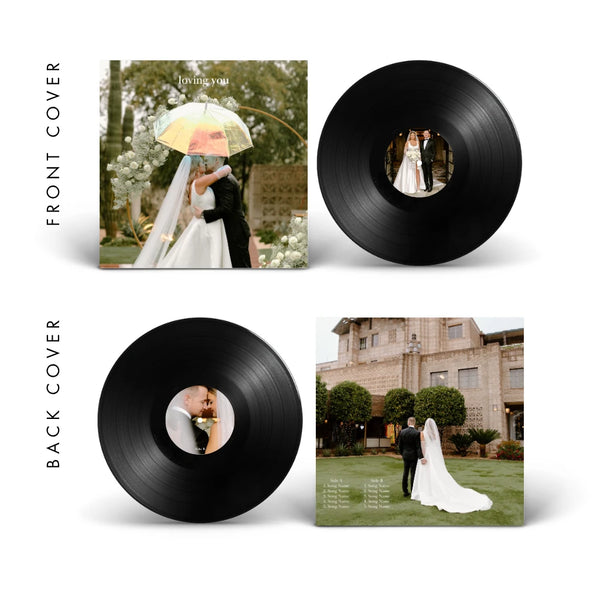
Loving You
Soft greens, delicate script — romantic and natural, perfect for outdoor or garden weddings.
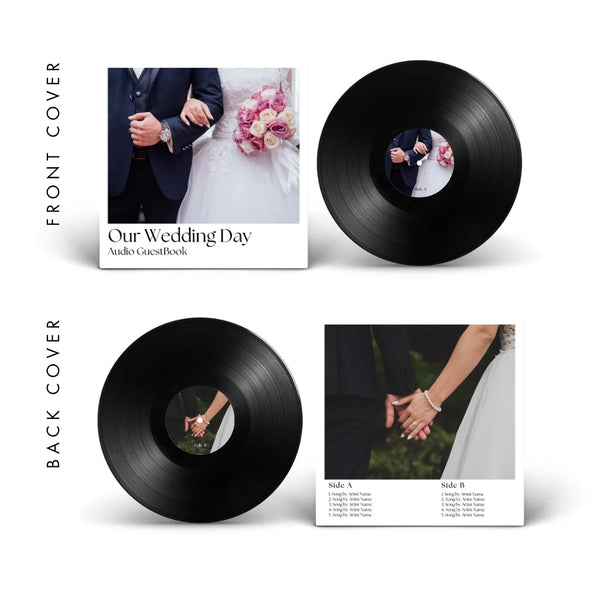
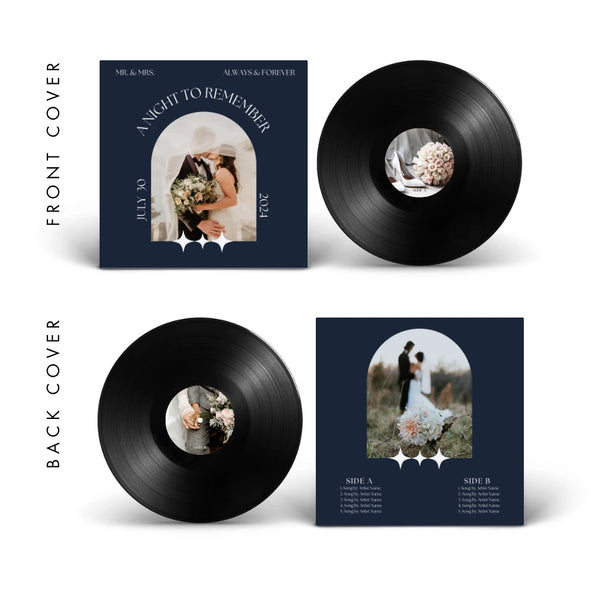
Wedding 2
Navy blue, architectural arch, "A Night to Remember" — for the wedding with its own personality.
Ready to turn your design into a real vinyl record?
The wedding guest book is our most requested format for weddings — a playable record with your first dance, your vows, or messages from your guests. Use code TEMPLATES10 for 10% off.
Anniversary vinyl record cover templates
For the songs that have been yours since the beginning — covers designed for couples who know exactly what they want to say.
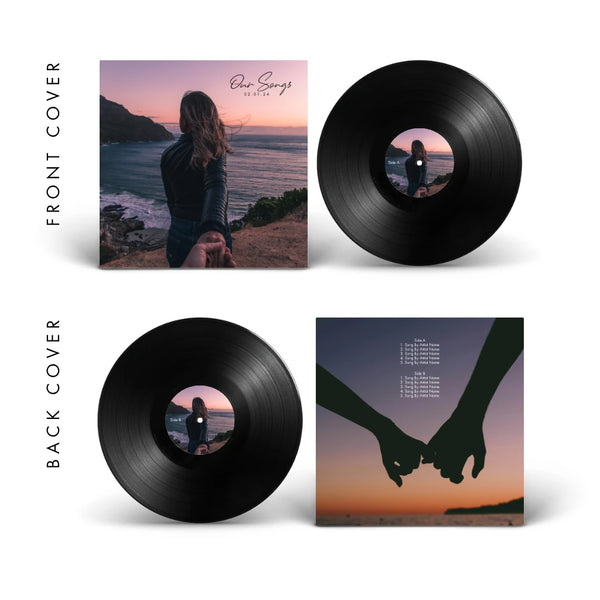
Big Picture
Our most-used template — full photo, script title, date. Let your photo tell the whole story.
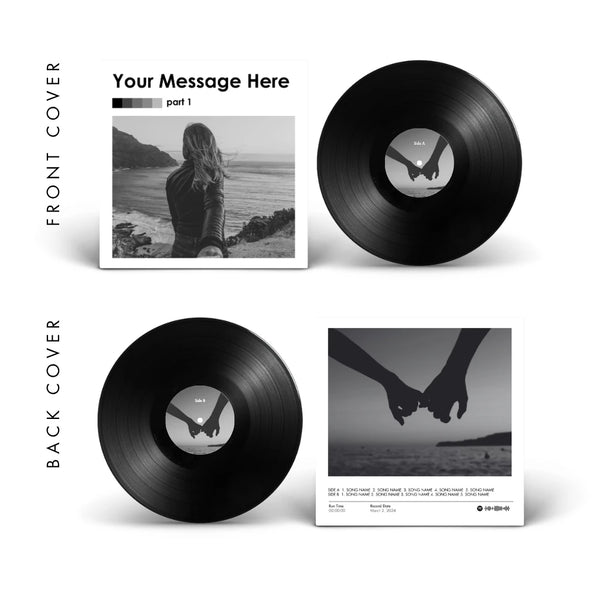
Gray
Black & white, editorial bold type — modern and timeless. Works as beautifully in ten years as it does today.
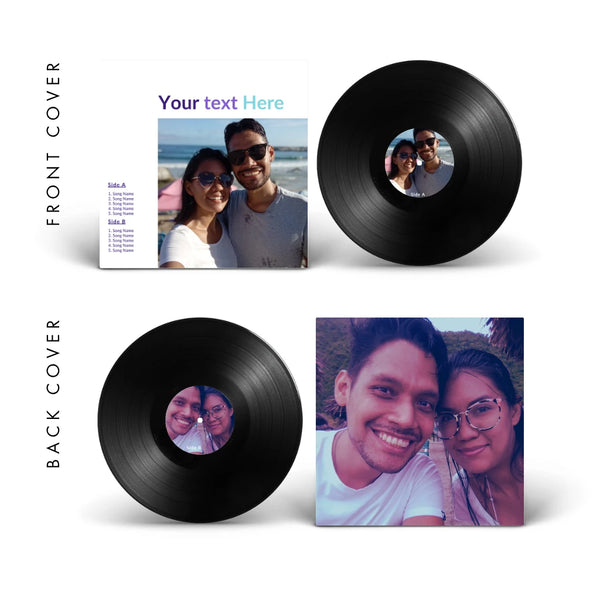
Midnights
Color photo, purple-to-teal gradient type — contemporary and with energy. For anniversaries with attitude.
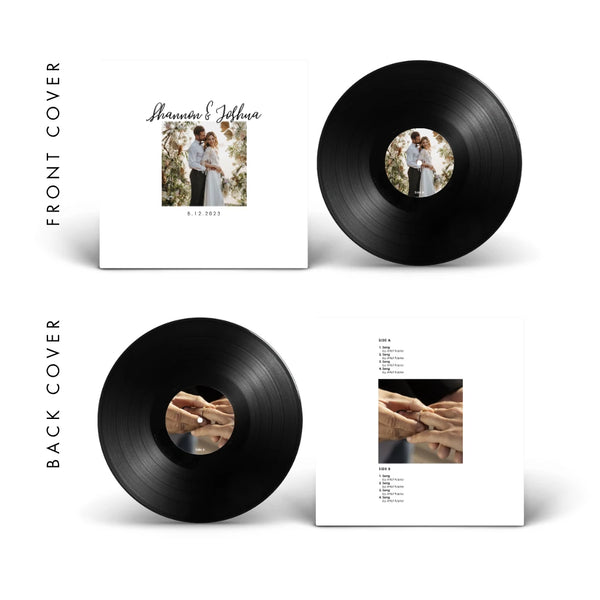
Minimalist
White, centered, breathing room for everything. When less is genuinely more.
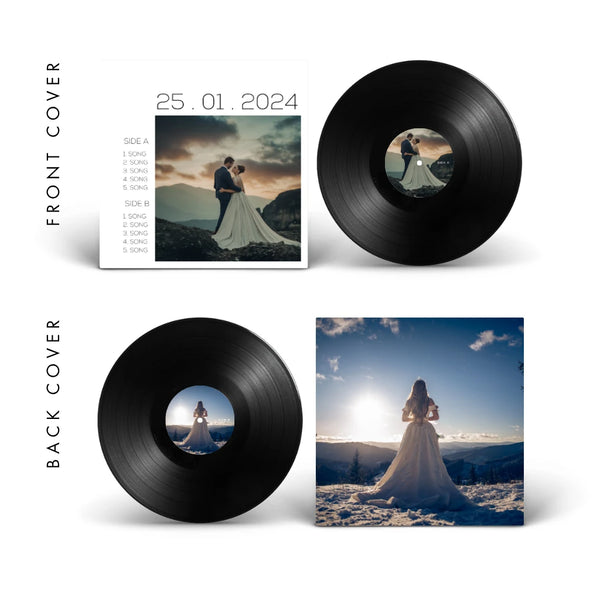
Square
The date is the hero — bold, direct, and impossible to miss. For milestone anniversaries.
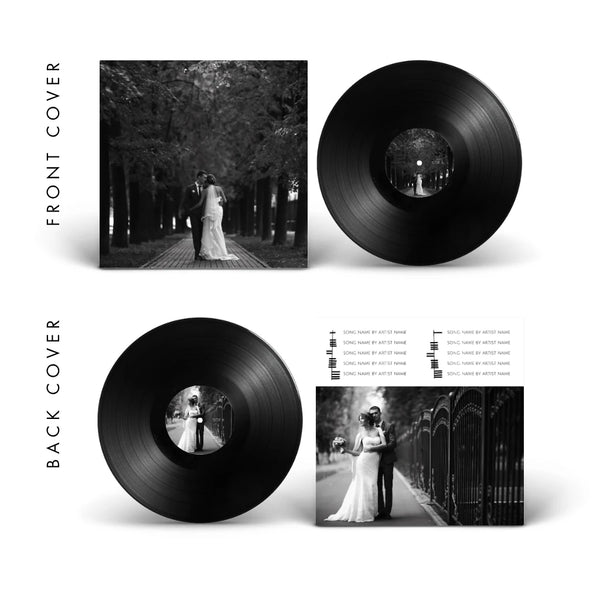
Stripes
Black & white with vertical type — "10 Years of Love" as a graphic statement. Strong and editorial.
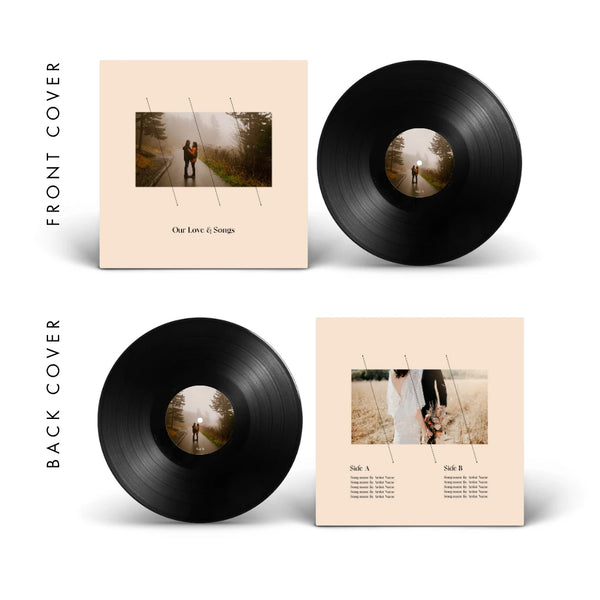
Diagonal Lines
Warm cream tones, delicate grid lines — sophisticated and serene for the more intimate anniversary.
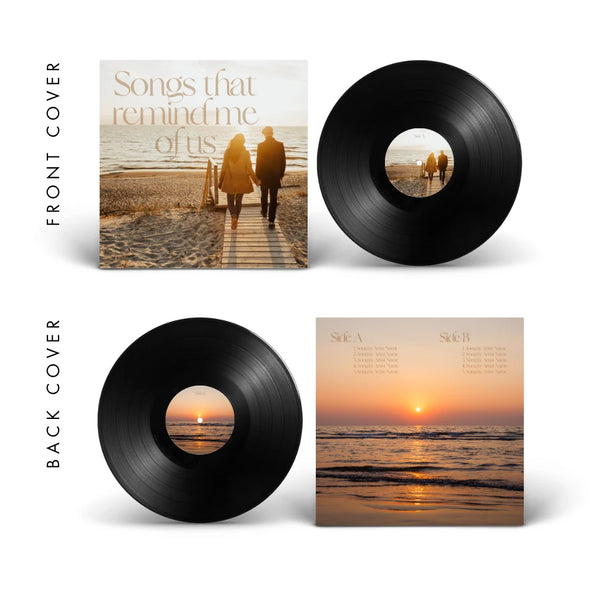
Reminds Me of Us
Golden hour tones, "Songs that remind me of us" — the most poetic and emotional design in the catalog.
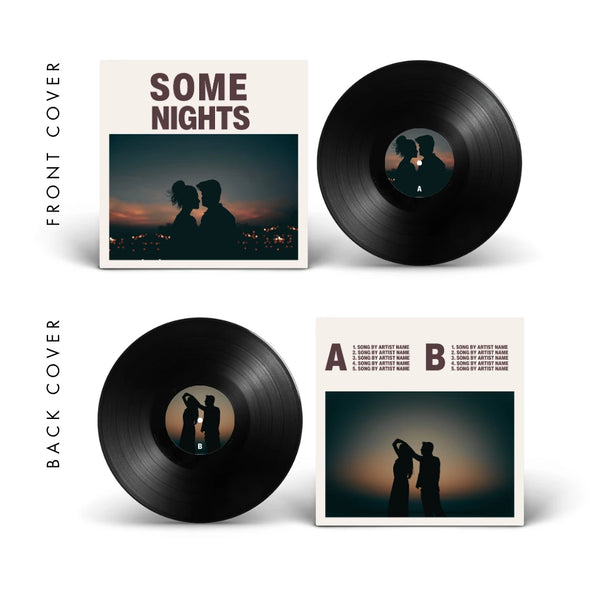
Some Nights
Deep blue, couple silhouette, bold type — for the disc that sounds best at 2am on a night you won't forget.
Design done? Now make it real.
Upload your Canva design directly to your order. Henry reviews every file and sends you a full art proof within 24 hours. Use code TEMPLATES10 for 10% off.
Birthday vinyl record cover templates
Turning 30, graduating, celebrating a decade with your people — covers that make the moment feel as big as it actually is.
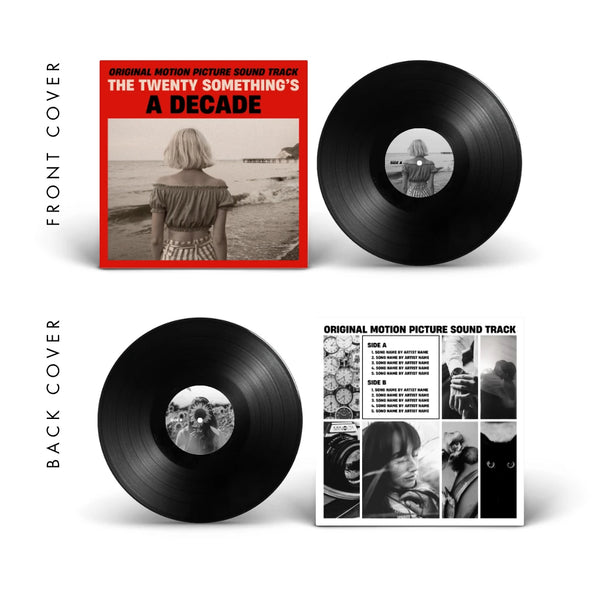
Red
Red + bold type, "A Decade" — a declaration, not a card. For turning 30, 40, or any birthday worth owning.
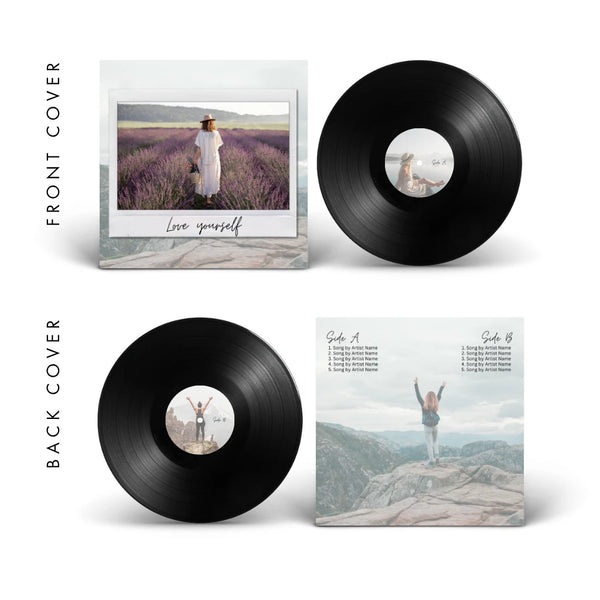
Frame
Polaroid frame, "Love yourself" — personal, warm, and ideal for gifting to someone who deserves to feel seen.
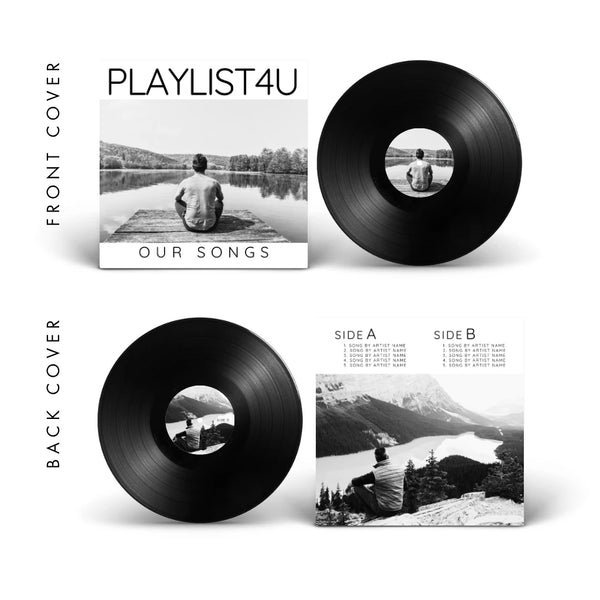
Playlist 4U
Clean, white, "PLAYLIST4U" — a mixtape in vinyl form. The gift for the person who already has everything.
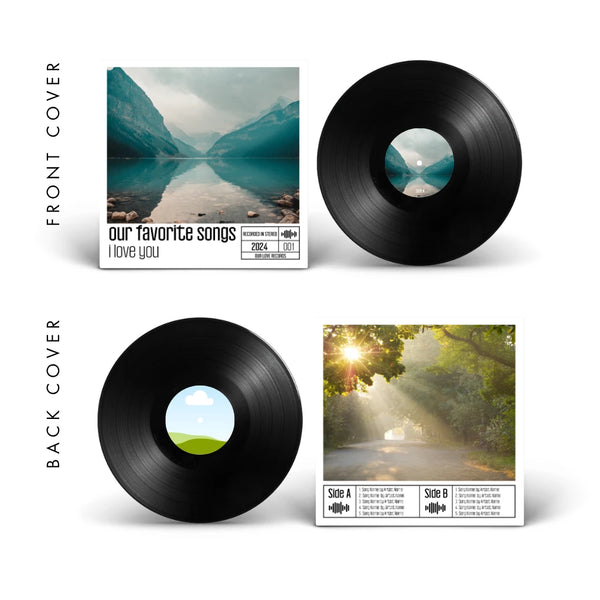
I love you
Spotify waveform, technical tracklist, "our favorite songs" — for the music lover who wants their vinyl to look like the real thing.
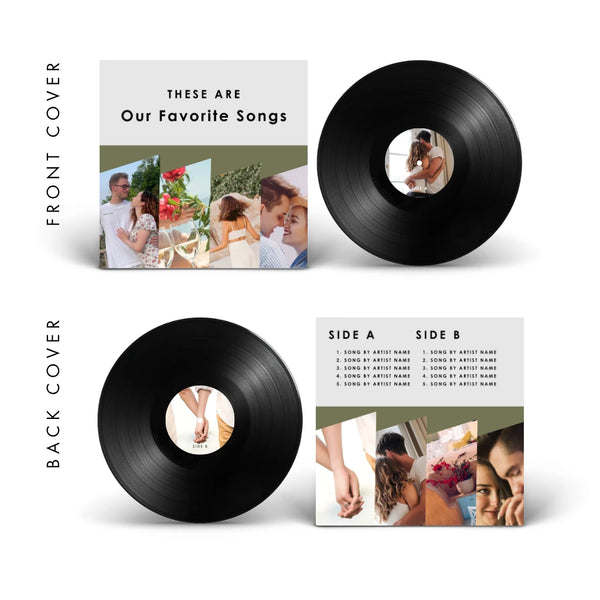
Our Favorites
Multi-photo editorial layout, "These Are Our Favorite Songs" — for groups of friends where one photo isn't enough.
The gift they won't return or forget.
A vinyl record with their songs and your photo — the kind of birthday gift that gets displayed, not stored. Use code TEMPLATES10 for 10% off.
Free vinyl cover templates for any story
Not every vinyl fits a category. These work for any moment worth pressing — from friendships and family records to the stories that don't need a label.
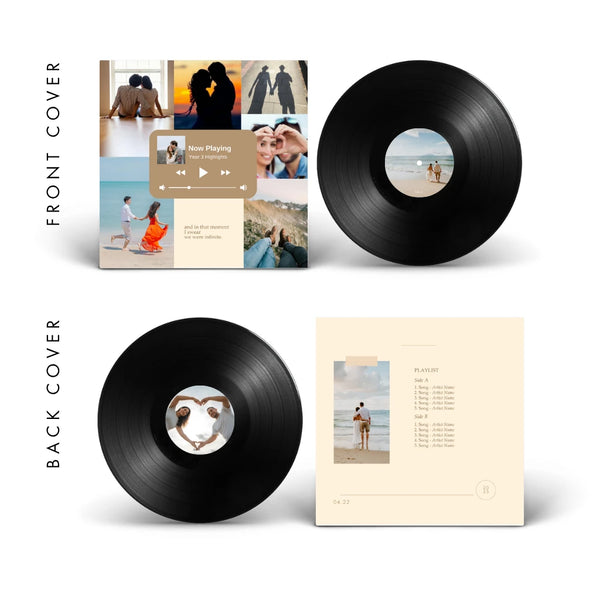
Now Playing
Multi-photo collage with a Spotify-style player overlay — for telling a whole year in a single cover.
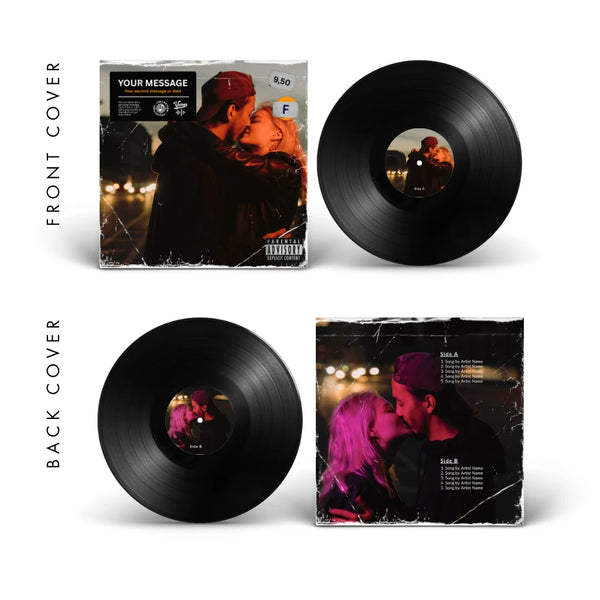
Vintage
Soft photo, pastel watercolor back — for the disc that should look like it came from another era.
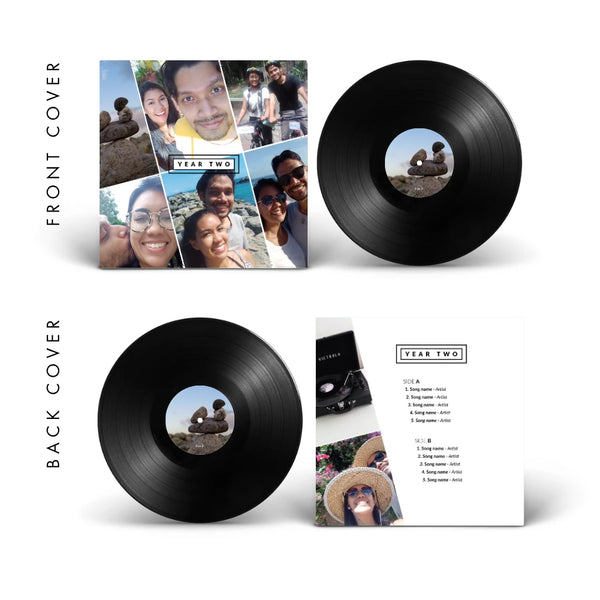
Collage
Multi-photo grid in magazine layout — perfect for when there's no single photo that tells the whole story.
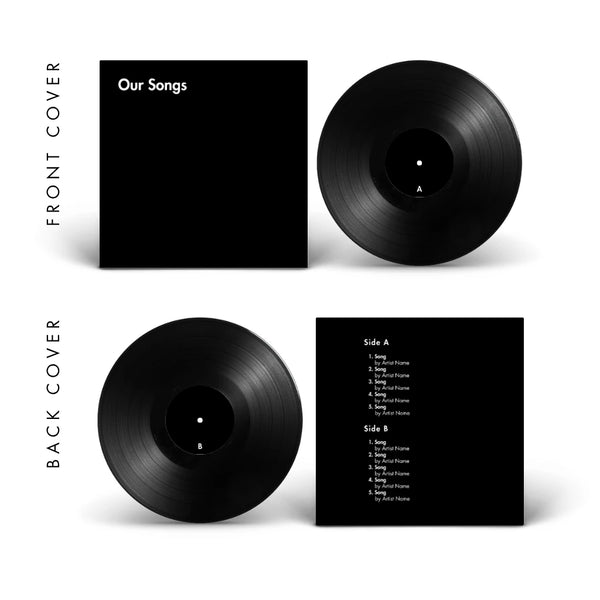
Black
Pure black, minimal type — the most universal canvas in the collection. Any story fits here.
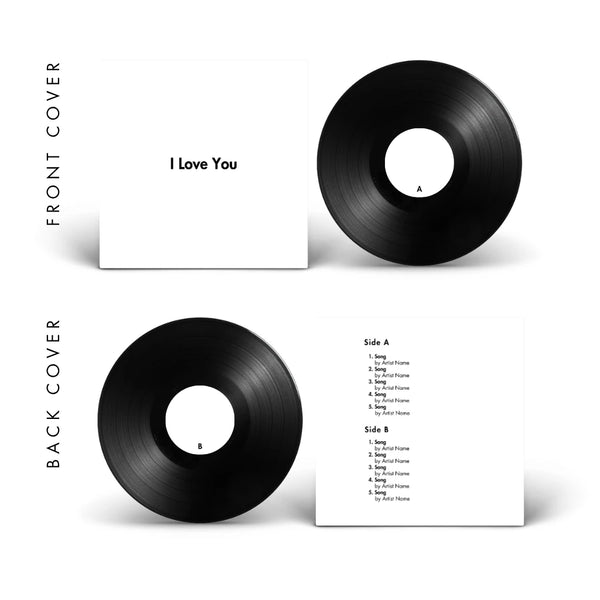
White
Pure white, "I Love You" — almost no design at all. When the words say everything the photo doesn't need to.
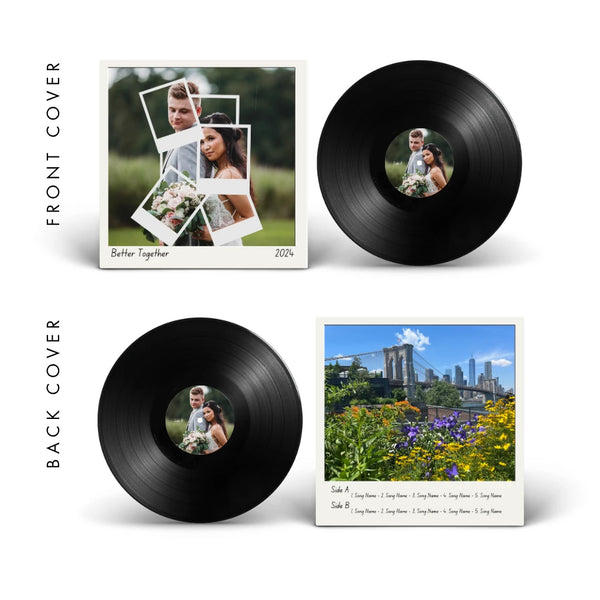
Polaroid
Stacked polaroid photos, handwritten caption — nostalgic and handcrafted-feeling for weddings, anniversaries, or any memory that deserves to look found.
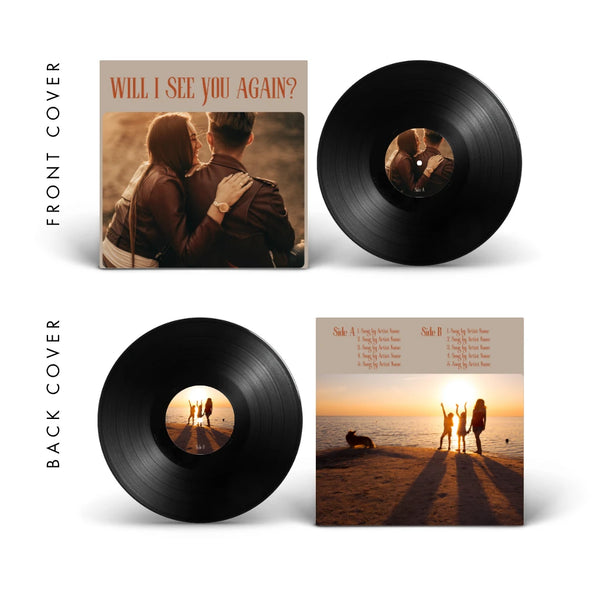
Sunset
Warm golden tones, "Will I see you again?" — the one template built for friendships, distance, and the people who matter beyond occasions.
You have the design. We'll make it real.
Black vinyl, colored vinyl, or metallic — every format ships free worldwide with a free art proof in 24 hours. Use code TEMPLATES10 for 10% off.
What you need to know before designing
Every template is already set to the right dimensions. Here's what's built in — and why it matters.
Cover specs
- 3675 × 3675 px — square, no borders
- 300 dpi minimum for print quality
- Keep text and faces inside the green safe zone
- Avoid important details near the edges — they may be cut during production
- Export as JPG or PNG, not PDF
Label specs
- 1200 × 1200 px — square, no circular border
- 300 dpi minimum
- The center hole will cut through the middle — keep faces and important text away from it
- Label A and Label B are separate files
- Both are included in every Canva template
Want us to design your labels? We offer a label design service →
About your songs: A 12-inch holds up to 6 songs per side (20 min). A 10-inch up to 4 (14 min). A 7-inch up to 2 (7 min). Accepted formats: MP3, M4A, WAV. Full audio guide →
Not finding a template that fits your idea? If you have a specific concept in mind but don't know how to build it, our cover design service lets Yayi design your jacket from scratch based on your brief — photos, style, mood, and all.
Frequently asked questions
Everything people ask before they open Canva for the first time.
How do I edit a template in Canva?
Click "Open in Canva" on the template you like. Canva will open a preview — click "Use template for new design" to create your own editable copy. If you don't have a Canva account, you can sign up for free with your email in seconds — no credit card needed.
Once inside, click on any photo frame and drag your own image in to replace it. Click on any text to edit names, dates, or song titles. You can also change fonts, colors, and layout to match your style — everything is adjustable.
We put together a step-by-step video tutorial that walks you through the full process: watch the Canva tutorial here → Prefer to edit on your phone? We have a step-by-step mobile guide →
Do I need Canva Pro to use these templates?
No. All 26 templates work with the free version of Canva. You don't need a paid plan, a trial, or a credit card to open, edit, and download any of them. The only requirement is a free Canva account.
What size should my vinyl cover be?
Front and back covers must be 3675×3675 pixels at 300dpi, square with no borders or bleeds. Every template in this collection is already set to those exact dimensions — you don't need to resize anything. Labels use a separate 1200×1200px square file, also included in each template.
Can I use my phone to edit the templates?
Yes. The Canva app for iPhone and Android works for all our templates. The experience is slightly different from desktop — you'll tap instead of click, and some panels appear differently — but every edit you need to make is available on mobile. If you have the Canva app installed, tap "Open in Canva" on any template and it'll open directly.
What file format do I need to download?
Download your finished design as a JPG or PNG — not PDF. In Canva, go to Share → Download and choose JPG or PNG at maximum quality. Download pages 5, 6, 7, and 8 (front cover, back cover, Label A, Label B). Page 9 is the optional mockup preview — you don't need to send that one.
How do I add my songs to the back cover?
Click on the tracklist text on the back cover page and type your song names and artist names directly. The text fields are fully editable. If the template has a Spotify-style tracklist, replace the placeholder text with your actual songs. Henry checks every back cover before production to make sure the information is clear and complete.
What happens after I finish designing?
Once your cover is ready, place your order on the CCS Vintage store. Right after checkout, Henry sends you a brief form where you upload your design files and your songs. Within 24 hours you receive a complete digital art proof — exactly how your record will look — for you to approve before production begins.
Can you design my vinyl cover for me?
Yes. If you have a specific idea but don't want to build it yourself, our cover design service lets Yayi design your jacket from scratch based on your brief. You describe the mood, share your photos, and she handles the rest. It's a separate service from the vinyl record itself.
How many songs fit on each side of a vinyl record?
It depends on the size. A 12-inch record holds up to 6 songs per side (up to 20 minutes per side). A 10-inch holds up to 4 songs per side (14 minutes). A 7-inch holds up to 2 songs per side (7 minutes). The easiest way to check if your playlist fits is to create a Spotify playlist for each side and look at the total running time. For a full breakdown of sizes, formats, and pricing, see the complete how-to guide.
 Ready to make it real?
You have the design.
We'll press it into vinyl.
Upload your Canva file and your songs. Henry reviews everything within 24 hours and sends you a full digital art proof before a single groove is cut. Real vinyl, your story, pressed for keeps.